100% Security
Instant Download 24/7
10+ Years of Service

Need Some Help?

All orders are provided by download and immediately upon ordering. More questions? If we're online, reach our to us on the Store Live chat located bottom right. Also see Questions and Answers. If we're offline, contact our Support team from the Contact Us page.
0 Reviews
$79.99
$99.99
Save 20%

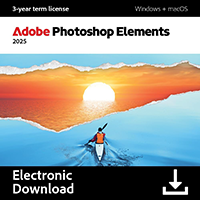
Adobe Premiere Elements 2026

includes a 2-Device perpetual license for Windows computers

Offer Ends

Need Some Help?

All orders are provided by download and immediately upon ordering. More questions? If we're online, reach our to us on the Store Live chat located bottom right. Also see Questions and Answers. If we're offline, contact our Support team from the Contact Us page.

+ login to earn points
Platform
macOS
Windows 10
Windows 11
Version
2026
Manufacturer
Last Updated
28 February 2026
Download Size
10.00 MB

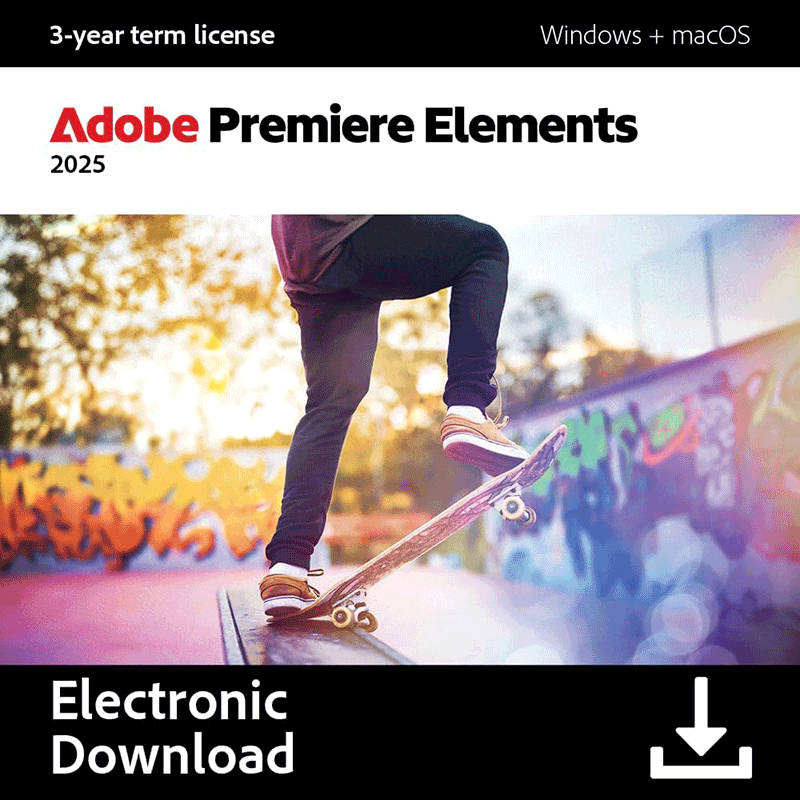
Adobe Premiere Elements is a capable, versatile video editor which makes it easy to enhance your movies with a host of professional effects.

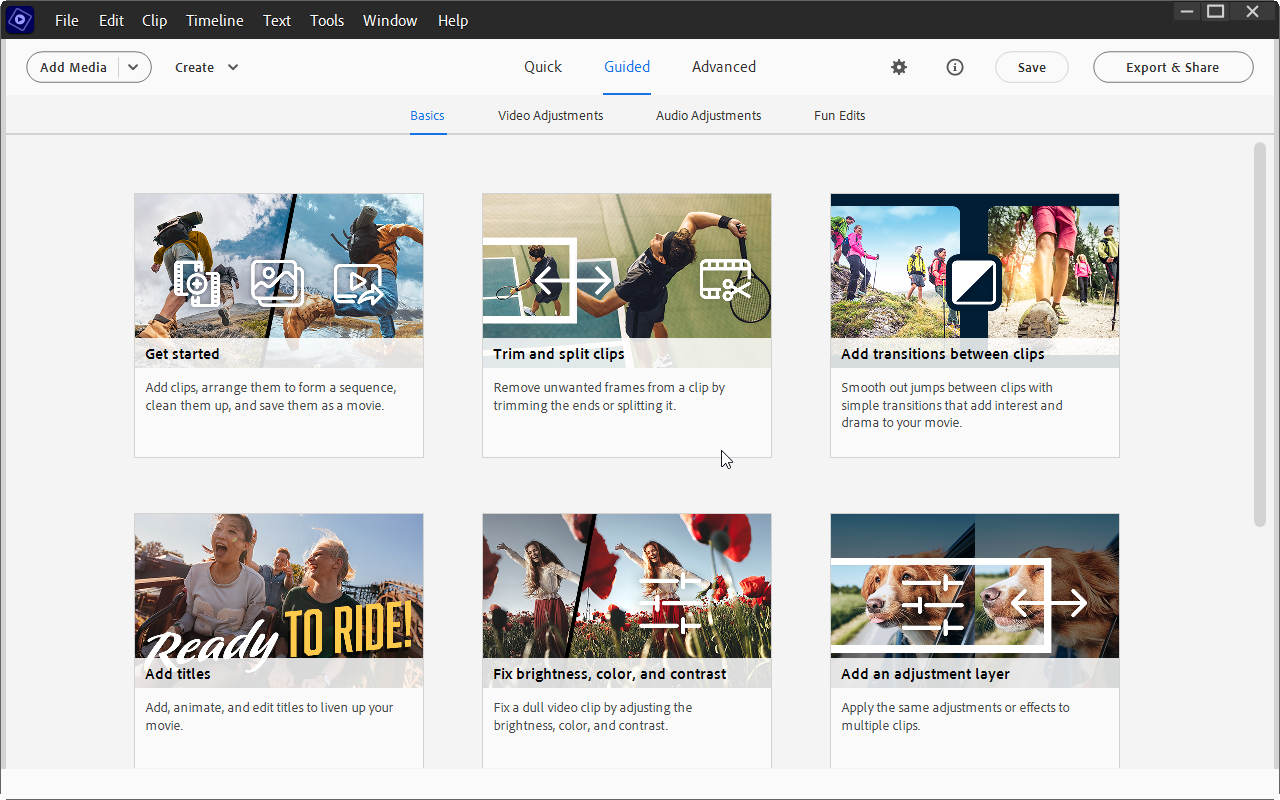
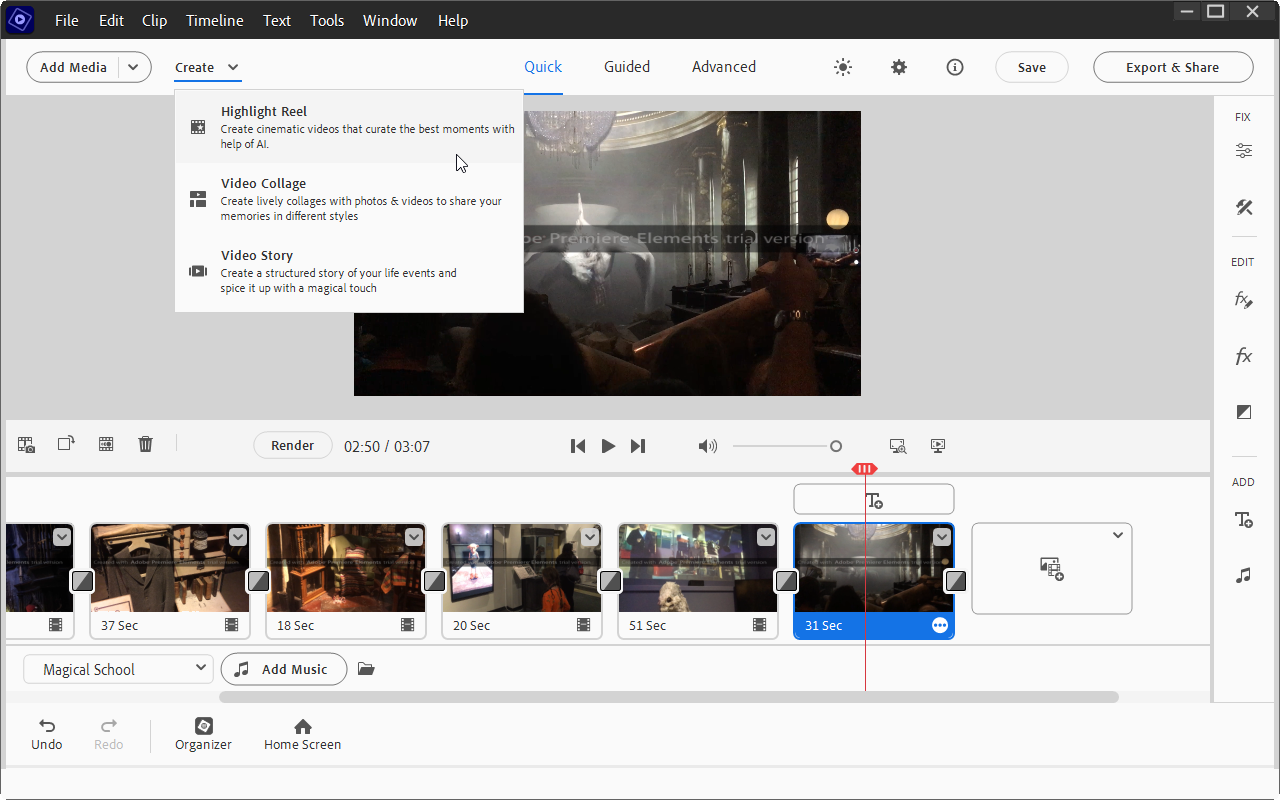
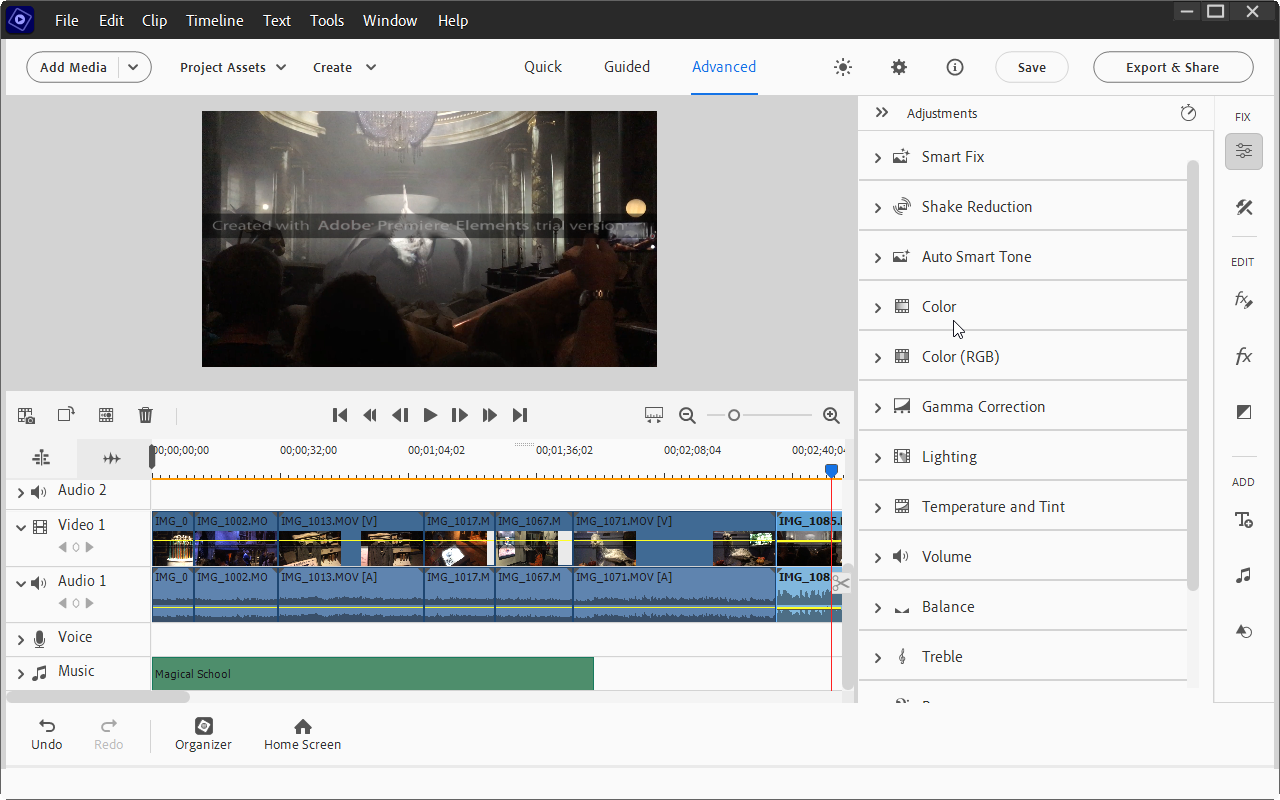
Use the Organizer to keep track of your source videos, while the editing environment supports both 'Quick' and 'Expert' views, depending on your level of expertise and experience. An increasing number of video effects make it easy to transform your videos too – and thanks to the Guided Edit tool, they’re simple to apply.

Recent notable improvements include GPU accelerated rendering makes it possible to playback effects without rendering them first, while cropping videos is faster than ever. Guided Edits now include a double exposure option (place a video inside a cut-out of a picture) and animated matte overlays, which can be applied to full videos, individual scenes or simply as transition effects.

Applying specific effects to just a selected portion of your video is now easy too, thanks to the 'Select object' tool. Elsewhere you’ll enjoy high quality and extremely configurable fast and slow motion effects.

It's also easy to share your finished work at Vimeo, as well as YouTube and Facebook.

And thanks to those Guided Edits, there’s not an awful lot of hard work involved, because the program handles most tasks itself. It can analyse your footage to find the best clips, for instance; automatically fix shaky camera work, colour and lighting issues; and add a soundtrack which automatically syncs with your scenes and then adjusts its length to precisely match your movie.

You don't have to give up control completely, of course. If you don't like Premiere's 'Smart Fix' video adjustment technology, say, you can manually tweak colour, brightness, contrast, exposure, temperature, tint and so on.

For the most part, though, this simply isn't necessary as Adobe Premiere Elements generally does a great job of enhancing your movies all on its own. And this all helps make the program an ideal choice for anyone who wants plenty of video editing power, but without the usual complexity you find in most of the competition.

Includes a 2-Device 3-Year license for Windows or macOS.

Windows:
Windows 10 (22H2 or later) or Windows 11
8GB RAM
10 GB of available hard-disc space to install

macOS:
Intel 6th Generation or newer processor; Apple silicon M1 or newer processor
macOS 13, macOS 14 (14.4 or later)
8 GB of RAM
10 GB of available hard-disc space to install

Performance Issues?

Most system performance issues are often a result of other software clashing with your brand new software. For instance, security software can clash with a background process, such as a system maintenance tool or defragmentation software. Another cause of system slowdown, is a result of two software applications performing a similar task. As an example, Windows includes a firewall switched on as a default. Your new security suite is likely to include a firewall. You only need one firewall running. In this example, try turning off your system firewall.

Uninstalling Your New Software

Occasionally you may need to either temporarily or permanently remove your new software.

On a Windows computer, go to the Control Panel and choose Programs and Features. Locate the program within the list, then click it to highlight it. Finally, click the Uninstall button at the top of the list and follow the instructions to remove the program from your PC.

On an Apple Mac computer, using Finder, locate the Applications folder. Within the Applications folder, find the name of the application you wish to remove. Simply drag the icon to your Trash icon in your dock. Empty the Trash to remove the files from your computer.

Still Having Problems?

If you cannot solve your system performance issues or are struggling to remove your software, we advise contacting the software manufacturer. If you placed an order, see the section in the order which states Support options. Alternatively, go to the Contact Us page to contact store support directly.

Frequently Asked Questions

Find quick answers to the most common questions about our services and platform

How Do I Order Software?
Simply select the software you want to order by clicking the "Buy Now" button or, where the option exists, clicking on "Upgrade". The upgrade option enables you to upgrade from a previous version of the software. When you click "Buy Now" you will be taken to your shopping cart, powered by Cleverbridge, where you can choose a payment option and then receive your download and serial code within seconds, after making your payment.
What Is The Extended Download Insurance?
When you order software online, you receive a digital download and a serial code by email. You normally have 30 days from placing the order to download your software, if you need to download again in the future. You can choose to extend this to two years, enabling you to login to your account and find your download, serial code(s) and your original invoice. Ideal if you need to re-install your software, suffer from a system crash or buy a new PC. Simply had to the "My Account" section on this store - or any one of our worldwide stores - to access previous orders.
Do I Need A Backup CD?
No, although some people like to receive a copy of their software on a CD which they can store indefinitely. We provide a backup CD for some applications in the store. For example, we can provide an official colour booklet and installation/backup CD for AVG and Kaspersky software ordered through the store. Some software suppliers, such as Nitro PDF and Paragon Software, will supply you directly with a backup CD if you include this with your order.
Why Are Some Prices Dynamic?
If you are based in New Zealand and you see prices in NZD, you may see a different price in your checkout than we advertise in the store. There's a good reason for this - software suppliers set their prices in USD, GBP and EUR, with NZD and other prices calculated based on the exchange rate and often between USD and NZD. Therefore some prices may be slightly cheaper or more expensive than the advertised price as the prices in the checkout are calculated, on-the-fly, from USD. This does not apply to customers in the EU, UK, US, Canada and Australia.
Why Was My Card Declined?
In most instances this will be due to fraud protection from your credit card provider. Although you have protection when you purchase goods, online, through your credit card, your company may decline a large order or an order made through an online store for the first time. If your card is declined, we suggest you speak with your card provider and/or your bank. You can also pay through PayPal, wire transfer or other payment formats.
Can I Ask For A Refund?
We strongly suggest you download and test trial software before placing your order. Trial software is provided to enable you to determine whether it's applicable for your system and meets your requirements. Once you are happy with your trial software, place an order. Digital downloadable software often cannot be refunded unless the order was placed in error. Activated software cannot be refunded as the code becomes the property of the customer and cannot be resold or reused. If you ordered in error or there is another problem with your order, contact PayPro directly for a refund.

Who Keeps Our User/Order Information?
Your transaction is between yourself and e-commerce providers PayPro. PayPro will NEVER re-use your information, pass on to a third party and will not contact you unless you contact them with a query. Your credit card information is not kept on file and is not stored by any third party. If you ordered Extended Download Insurance with your order, we retain basic information about your order on our secure server. This includes your name, email address (required to access your account), serial codes ordered and download links to your software. No-one has access to this information apart from yourself. This information is only available once you have registered your account using the email address you used to place the order.

Write a review

Find What You Need!
Payment Methods
Trusted Partners
Norton Avast Software McAfee Bitdefender Kaspersky Microsoft
100% Security
Instant Download 24/7
10+ Years of Service