100% Security
Instant Download 24/7
10+ Years of Service

Need Some Help?

All orders are provided by download and immediately upon ordering. More questions? If we're online, reach our to us on the Store Live chat located bottom right. Also see Questions and Answers. If we're offline, contact our Support team from the Contact Us page.
0 Reviews
$39.99

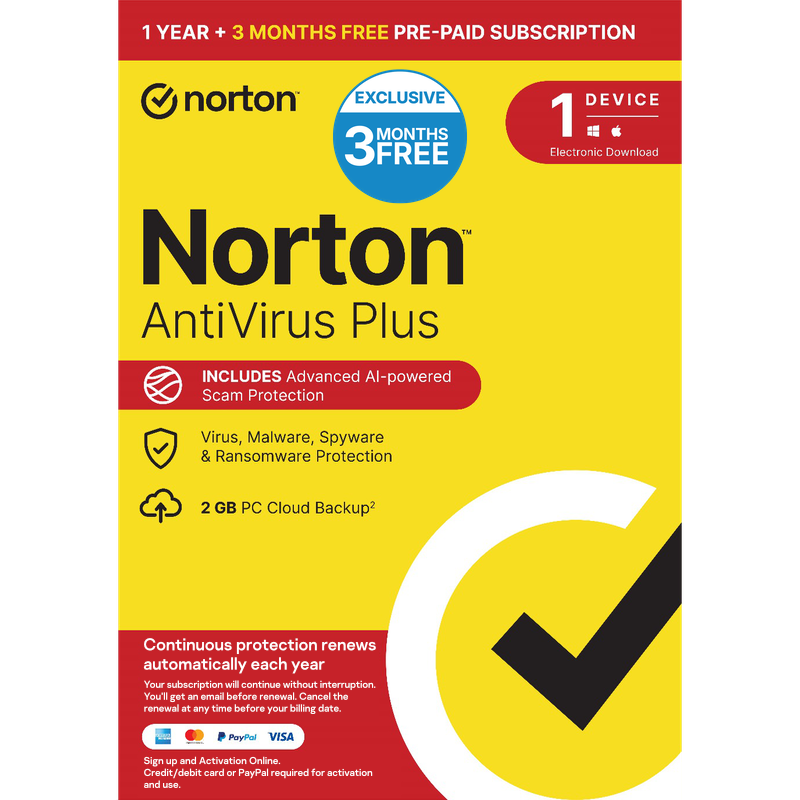
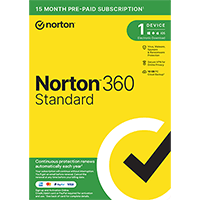
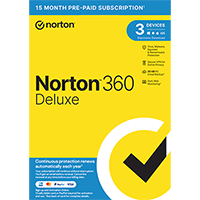
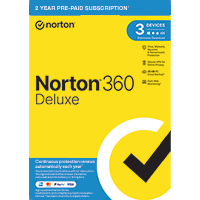
Norton AntiVirus Plus 2026 [1-PC, 15-M]

Includes a 1-PC, 15-Month license, 2GB cloud storage

Offer Ends

Need Some Help?

All orders are provided by download and immediately upon ordering. More questions? If we're online, reach our to us on the Store Live chat located bottom right. Also see Questions and Answers. If we're offline, contact our Support team from the Contact Us page.
+ login to earn points
Platform
Windows 10
Windows 11
Windows 7 (32 bit)
Windows 7 (64 bit)
Windows 8
Version
2026
Manufacturer
Twitter
Last Updated
30 April 2026
Category
Download Size
189.00 MB

Norton AntiVirus Plus 2026 is the latest version of Norton's very complete antivirus engine, which offers on-demand and real-time scanning, behavioral monitoring, browsing protection and more.

The most visually obvious change is the enhanced Norton Identity Safe, an excellent password manager. An improved form filler now supports drag and drop, you can search for logins directly from the toolbar, and the interface has been revamped in general. We're less sure about the new look - it seems more obtrusive than the old one, more complex - but there's also some useful new functionality here.

Elsewhere, the core of the program looks and feels much like the previous edition. That's not really a problem, though, as the interface is generally clear and straightforward; most key options are just a click or two away, while there are plenty of more advanced settings available for those who need them.

Symantec say that protection is more effective though, with their behavioural protection engine SONAR seeing significant improvements, while enhanced repair capabilities use various Internet-connected resources to do a more reliable of cleaning up after an infection.

You also receive 2GB of online cloud storage for backing up your most essential files.

Includes a 1-PC, 15-month license, 2GB of cloud storage.

Review by Mike Williams.

Performance Issues?

Most system performance issues are often a result of other software clashing with your brand new software. For instance, security software can clash with a background process, such as a system maintenance tool or defragmentation software. Another cause of system slowdown, is a result of two software applications performing a similar task. As an example, Windows includes a firewall switched on as a default. Your new security suite is likely to include a firewall. You only need one firewall running. In this example, try turning off your system firewall.

Uninstalling Your New Software

Occasionally you may need to either temporarily or permanently remove your new software.

On a Windows computer, go to the Control Panel and choose Programs and Features. Locate the program within the list, then click it to highlight it. Finally, click the Uninstall button at the top of the list and follow the instructions to remove the program from your PC.

On an Apple Mac computer, using Finder, locate the Applications folder. Within the Applications folder, find the name of the application you wish to remove. Simply drag the icon to your Trash icon in your dock. Empty the Trash to remove the files from your computer.

Still Having Problems?

If you cannot solve your system performance issues or are struggling to remove your software, we advise contacting the software manufacturer. If you placed an order, see the section in the order which states Support options. Alternatively, go to the Contact Us page to contact store support directly.

Write a review

Find What You Need!
Payment Methods
Trusted Partners
Norton Avast Software McAfee Bitdefender Microsoft Adobe
100% Security
Instant Download 24/7
10+ Years of Service